AnyFromAI
AnyFromAI
Login
Curated AI Image & Master Prompts (2026)

Best AI Image Prompts & Master Library

Copy curated, 4K aesthetic prompts for Midjourney v6.1, Flux.1, ChatGPT, and Claude with instant 1-click clipboard integration.
Showing 2 curated prompts
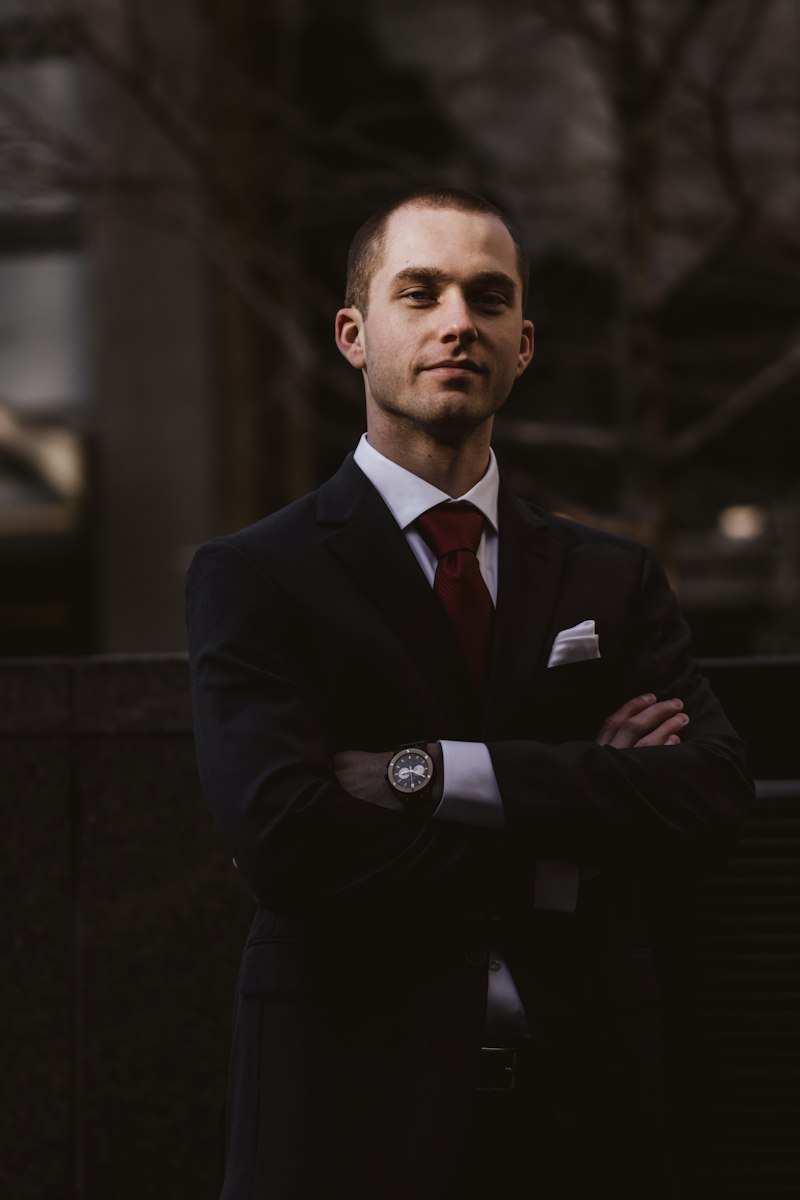
Vintage Resort Aesthetic Sunglasses & White Linen
CHATGPTeditorial
#Vintage#90s
9:16
Vintage Resort Aesthetic Sunglasses & White Linen
Candid vintage 90s resort lifestyle portrait, handsome young man with thick curly voluminous dark hair, retro tinted aviator sunglasses, wearing unbuttoned white linen shirt, sun-drenched Mediterranean villa courtyard with palm trees in soft bokeh background, 35mm film look --ar 9:16 --v 6.1
•6,180 copies
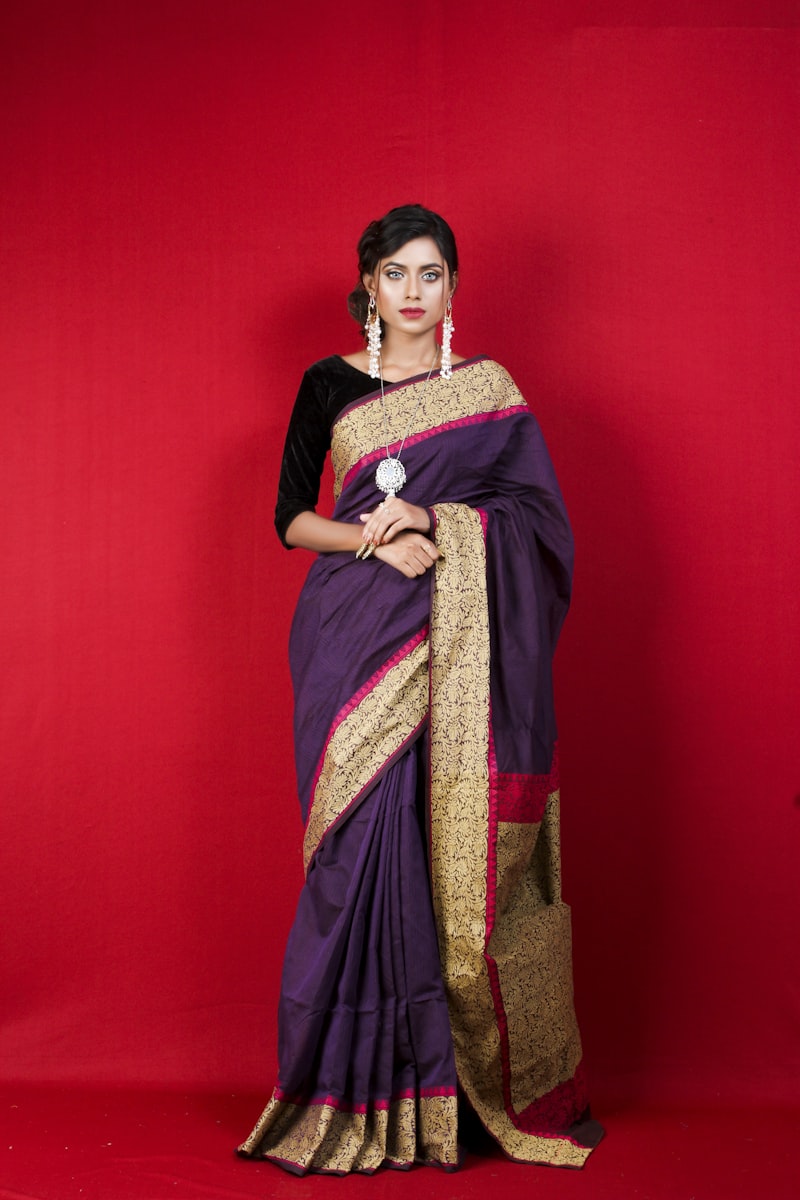
Color Pencil Sketch & Oil Painting Saree Portrait
CHATGPTphotorealistic
#Saree#Indian Art
9:16
Color Pencil Sketch & Oil Painting Saree Portrait
Exquisite fine art double exposure, realistic portrait of an Indian woman seamlessly rendered with delicate colored pencil cross-hatching, charcoal sketch outlines, and vibrant red watercolor brush strokes on textured vintage parchment paper, expressive eyes with subtle bindi --ar 9:16 --v 6.1
•6,000 copies
Prompt Engineering Playbook

How to Write High-Impact AI Image Prompts

Creating breathtaking AI imagery in 2026 requires understanding the four essential pillars of prompt architecture:

STEP 01

Subject & Wardrobe

State your central subject with rich sensory details, materials, facial expressions, and clothing textures.

STEP 02

Camera & Optics

Specify camera bodies and lenses (e.g., Hasselblad X2D, 85mm f/1.2, 35mm Kodachrome) to lock in natural depth of field.

STEP 03

Lighting & Atmosphere

Use cinematic lighting cues like 'softbox rim lighting', 'golden hour halation', or 'misty neon reflections'.

STEP 04

Model Flags & Ratios

Append parameters like '--ar 9:16', '--v 6.1', and '--stylize 250' to control aspect ratio and creative liberty.

Midjourney v6.1 Parameters Guide

  • --ar [width:height]: Sets aspect ratio. Use 9:16 for mobile and 16:9 for widescreen.
  • --v 6.1: Activates the latest Midjourney photorealism generation engine with authentic skin pores.
  • --stylize [0-1000]: Controls artistic flair. Default is 100; 250–500 yields high aesthetic beauty.
  • --style raw: Removes default Midjourney artistic smoothing for raw, documentary-style photography.

Flux.1 & DALL-E 3 Prompt Tips

  • Flawless Typography in Flux.1: Put exact text inside single quotes (e.g. 'MIDNIGHT DREAMS') for razor-sharp lettering.
  • Natural Language in ChatGPT: DALL-E 3 works best with descriptive sentences rather than comma-separated keywords.
  • Consistent Characters: Maintain specific character identifiers (hair color, jacket style, age) across prompt runs.

Frequently Asked Questions

How do I use these AI image prompts?

Simply click the 'Copy' button on any prompt card. The exact prompt with optimal aspect ratios (--ar) and stylize parameters will be copied to your clipboard. Paste it directly into Midjourney Discord (/imagine), Flux.1 Web UI, or ChatGPT DALL-E.

What does the aspect ratio tag (--ar 9:16 or --ar 16:9) mean?

--ar stands for Aspect Ratio in Midjourney. --ar 9:16 is vertical (ideal for Instagram Reels, TikTok, and phone wallpapers), --ar 16:9 is widescreen (cinematic wallpapers and YouTube thumbnails), and --ar 1:1 is square (standard feed posts).

Which AI model produces the most photorealistic images?

Midjourney v6.1 and Flux.1 Schnell / Dev currently lead in photorealism, natural skin texture, and complex lighting. DALL-E 3 within ChatGPT excels at adhering strictly to complex instructions.

Are these prompts free to use for commercial projects?

Yes! All prompts in the AnyFromAI library are 100% free to copy, modify, and use for both personal and commercial design projects.